
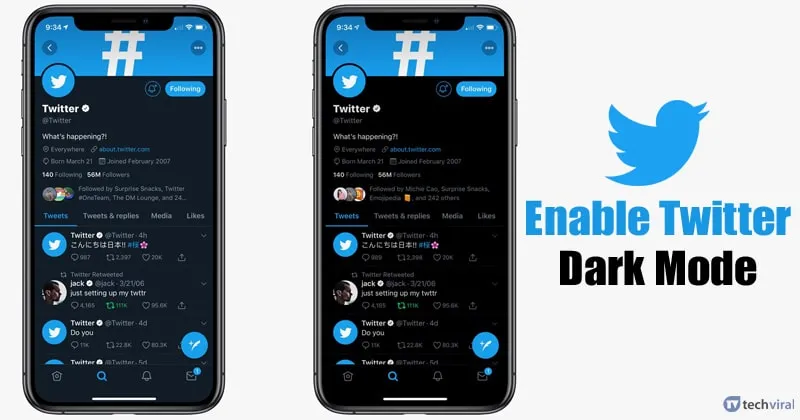
Recent Changes to Twitter App Dark Mode
On March 5, 2026, the Twitter app, now referred to as the X app, underwent a significant update that removed the night mode option from its settings. This change marks a departure from the feature that was originally introduced in 2016, designed to reduce blue light exposure and provide users with an alternative visual experience.
Previously, users could independently toggle the night mode within the app. However, the latest update has eliminated this in-app control, which had reportedly created issues across the application. Nikita Bier noted, “The app-level control for night mode made no sense and created issues throughout the app.”
As of the update, the X app will now follow the dark mode setting configured at the phone level. If a user enables dark mode on their device, the app will automatically display in dark or night colors when that device setting is active. This means that users can no longer switch the app into a dark display independently.
The removal of the in-app night mode toggle has been framed as a systematic improvement aimed at refining the overall user experience. A spokesperson for the app stated, “There is no longer an app-specific setting to toggle night or dark appearance independently.” This shift towards aligning app settings with device configurations is consistent with trends seen in other social applications, such as TikTok and YouTube, which have also adopted similar approaches to dark mode.
While this change simplifies the user interface, it does reduce one layer of customization. As noted in the update, “Removing the in-app night mode toggle reduces one layer of customization, trading granular control for consistency tied to device settings.”
For users accustomed to the previous functionality, this update may require some adjustment. The familiar in-app night mode option has been removed from settings in the latest update, leading to mixed reactions among users.
Overall, the current state of the Twitter app reflects a broader trend in mobile applications towards simplifying user interfaces and enhancing consistency across platforms. As users adapt to these changes, the impact on user satisfaction and engagement will be closely monitored.